Trove
A safe place for the things you love.
About
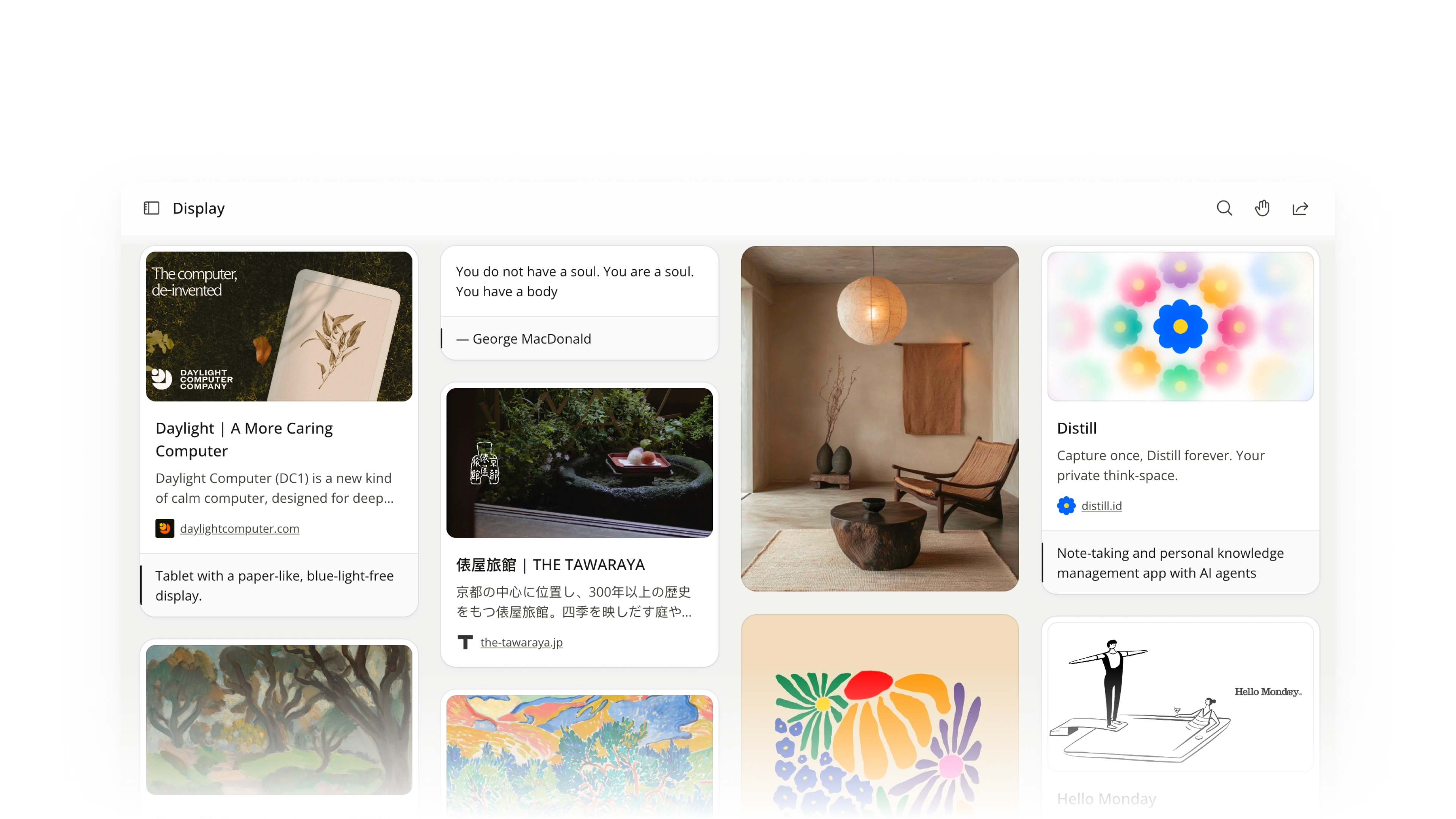
Trove is a local-first desktop app for collecting the things you love — images, text, links, and other files — and curating them into beautiful boards. Your files stay on your machine and their context lives in open JSON, so the collection remains understandable and searchable for both humans and AI agents.
I’m the solo builder building Trove wholeheartedly.
It’s currently in beta. For more info, visit: https://trove.place/
An app built for digital hoarders
I am a digital hoarder. I collect everything: screenshots, images, bookmarks, files. And they were all scattered in different places: Chrome bookmarks, Pinterest boards, local folders, iCloud, OneDrive, Notion, and more.
Upon saving, I also needed to decide where each thing goes — which app, which folder, what tags. Most of the time, I’m too lazy to decide, I only collect. So things just ended up piling on my desktop.
And I’m not alone. Psychologists studying digital hoarding have found a similar pattern: people accumulate more than they can manage and feel anxious about the pile.
 [Fig 1] My collection, scattered across a cluttered desktop and many different apps.
That gave me the idea of an all-in-one storage space that allows me to quickly collect everything, and make sense of them later. A literal Trove.
Effortless collecting
Effortless collecting is an essential feature for Trove. And this flow is inspired by the “copy and paste” flow that I use countless times a day. What can be more effortless than ⌘C → ⌘V?
Trove’s collection flow is ⌘C → ⌃⌘C, which saves everything in the clipboard into Trove. Everything else is optional. You can still add a note or some tags while saving, but you don’t really have to.
[Video 1] Copying an item and saving it into Trove, with notes and tags optional.
Give saved things a meaning
But what happens after you collect?
Trove provides standard organizing actions such as search, multi-select, reorder, create boards, and more, for you to organize the collected items manually.
But organizing is still hard work for humans — that’s where AI comes in. In Trove, everything is just files inside folders, so users can use their AI agents to help them annotate and organize those files freely. Then users can just sit back and enjoy the curated boards and organized stacks.
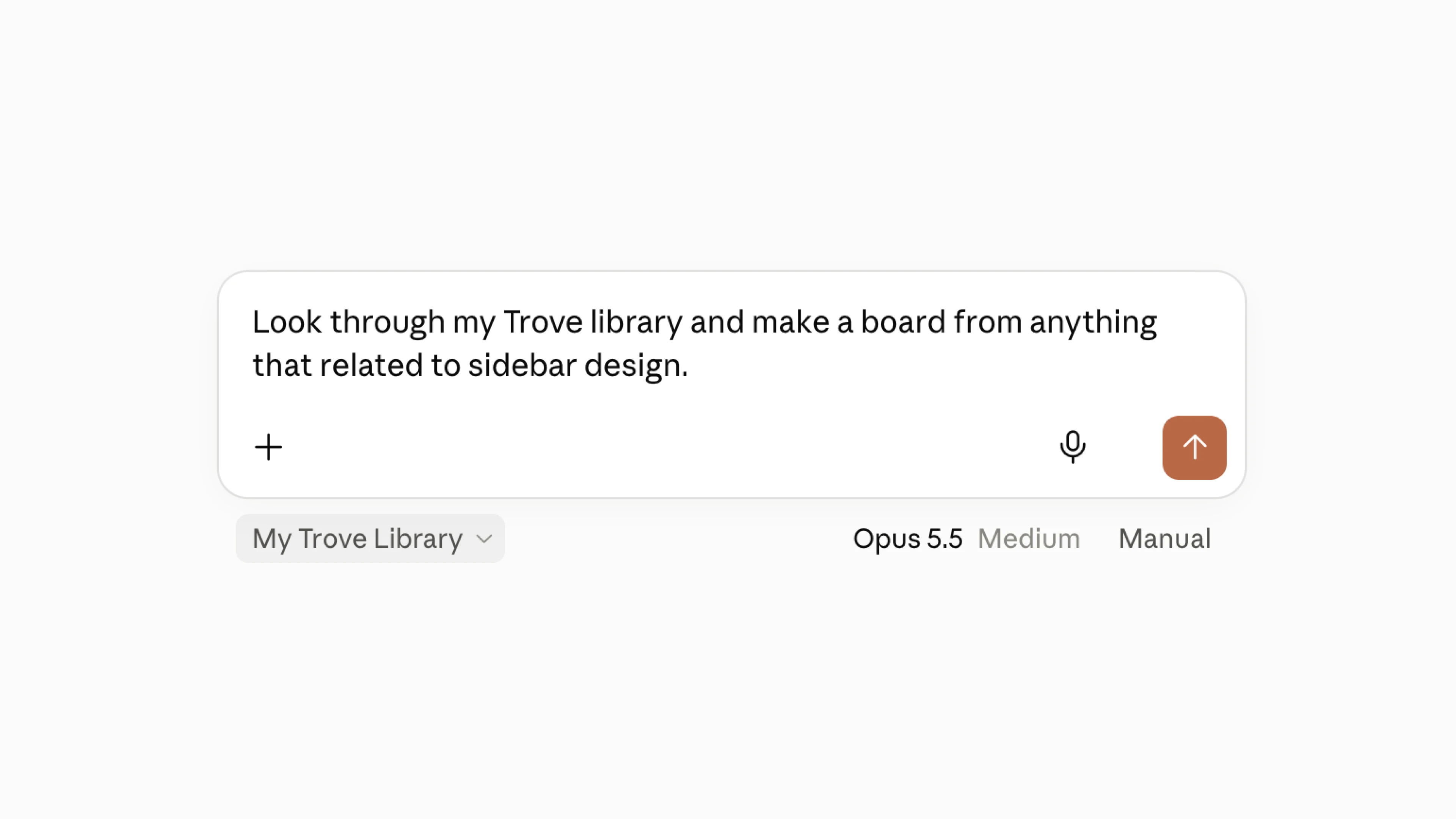 [Fig 2] Asking an AI agent to organize the collection into boards.
Local-first design
The intention of building Trove is to make collecting digital things effortless and stress-free. So local-first is a primary decision I made for Trove. Everything stays on our computers. Even if Trove no longer exists, we still have our items as files, alongside their context in open JSON files.
Since Trove operates on folders, it works naturally with cloud platforms such as iCloud and OneDrive if you want cloud syncing for extra safety and convenience.
Trove’s file structure is simple and minimal: items as original files, sidecars carry context, and boards create meaning through curation. Sidecars and boards are both JSON files living under the “Trove” library folder. Fully open and accessible to both humans and AI agents.
Library/
├── item1.jpg
├── item2.md
├── item3.pdf
└── Trove/     # Boards and sidecars live here
From design decisions to a working app
As a solo builder for Trove, I’m working very closely with AI coding agents to turn product ideas into a working app.
Early in the process, I spent a lot of time refining the product requirements to make sure every word earned its place — an important step to reduce noise for both the AI agents and me.
During the build, I define product behavior, scope, interaction design, and plain-language acceptance criteria; my AI agent handles most of the implementation and automated tests; I then test and review visible behavior and interaction quality.
I’ve been impressed by how superb today’s AI agents are at shipping code and doing tests. But there is one thing that they can’t do well (yet): judging how an interaction feels.
For example, I manually iterated on the design and interaction of Trove’s collecting flow again and again just to make it feel smooth, immediate and effortless. An AI agent can verify whether an interaction works, but it still takes human judgement to tell whether it feels right.
[Video 2] The collecting flow before and after iteration.
After all, Trove is an app built for humans. While the relationship between humans and AI agents is still evolving, as long as the app is built for human experiences, humans will continue to play an important role in defining, reviewing and refining the app experience.